Verify a
Medical Certificate
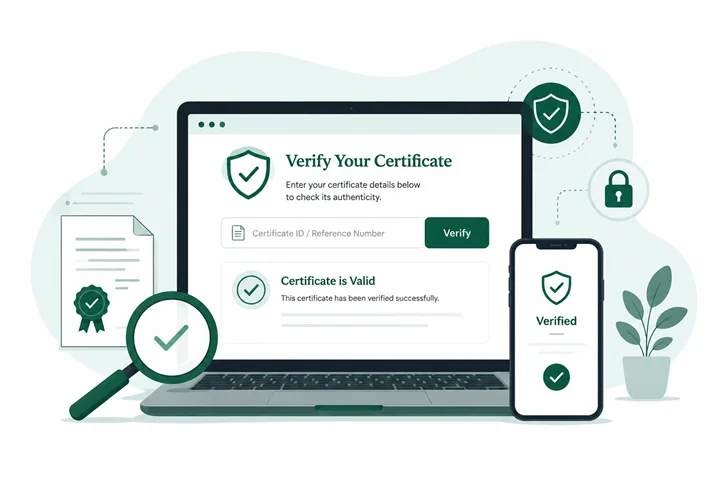
Every medical certificate issued by OMC Health carries a unique Certificate ID and QR code. Employers, schools and workplaces can confirm a certificate is genuine in seconds by scanning the code or entering the Certificate ID below, no login, no account, and no private clinical information shown.
Enter certificate details
You can find the Certificate ID on the bottom of the certificate.
How verification works
1. Enter details
2. System check
3. Verification result
4. Confirm authenticity
OMC Health certificates are issued only after a real-time consultation with an AHPRA-registered GP from our partner medical practices.
Learn more about OMC HealthHow Certificate Verification Works
Every certificate OMC Health issues is generated with a unique Certificate ID and a scannable QR code, created the moment an AHPRA-registered doctor approves it. Scanning the QR code printed on the certificate, or entering the Certificate ID manually on this page, checks that ID against our records in real time and confirms whether the document was genuinely issued through the OMC Health platform.
This works whether you're viewing a digital PDF or a printed copy. Because verification is performed against our live records rather than the document itself, a certificate can be verified even if the file has been forwarded, printed, or scanned by a third party.
What This Page Shows
Patient's first name and last initial (full name is not displayed, to protect privacy)
Date the certificate was issued
Period covered by the certificate
Certificate type (e.g. Sick Leave, Carer's Leave, Fitness for Work)
Issuing doctor's name and AHPRA registration number
Unique Certificate ID
Verification status: Valid or Not Found
What This Page Does Not Show
Verification is an authenticity check, not a clinical record. This page never displays a diagnosis, reported symptoms, consultation notes, or any other clinical detail. That information is only ever seen by the treating doctor and the patient, and is stored and handled under the Privacy Act 1988. Employers and schools receive only the information they need to confirm a certificate is genuine, nothing more.
Why Verification Matters
A medical certificate carries real weight for payroll, HR records, university special consideration, and WorkCover claims. Instant verification gives employers and institutions confidence that a certificate was issued by a real, AHPRA-registered practitioner following an actual consultation, not generated or altered without clinical review. Every doctor on the OMC Health network can also be independently checked on the public AHPRA register.
Think You've Received a Fake Certificate?
If a Certificate ID doesn't return a match, or something about a certificate looks altered, don't ignore it. Contact our support team directly. We investigate every report and can confirm in writing whether a certificate was genuinely issued through our platform.
Frequently asked questions
Scan the QR code printed on the certificate, or enter the Certificate ID shown on the document into the verification tool at the top of this page. Results appear instantly.
No. Certificate verification is open to anyone, including employers, schools, and workplaces, and does not require a login or account.
Yes. Every certificate also shows a Certificate ID in text, which can be entered manually into the verification field if the QR code can't be scanned.
It means the Certificate ID doesn't match our records, which may indicate the document has been altered or wasn't issued by OMC Health. We recommend reporting it using the form on this page.
No. Verification only shows the patient's first name and last initial, along with non-clinical certificate details, never a diagnosis, symptoms, or consultation notes.
Certificates remain verifiable on this page indefinitely, so employers can confirm authenticity even months after issue.
Contact our support team via the Contact Us page and include the Certificate ID; we'll confirm the certificate's status directly.